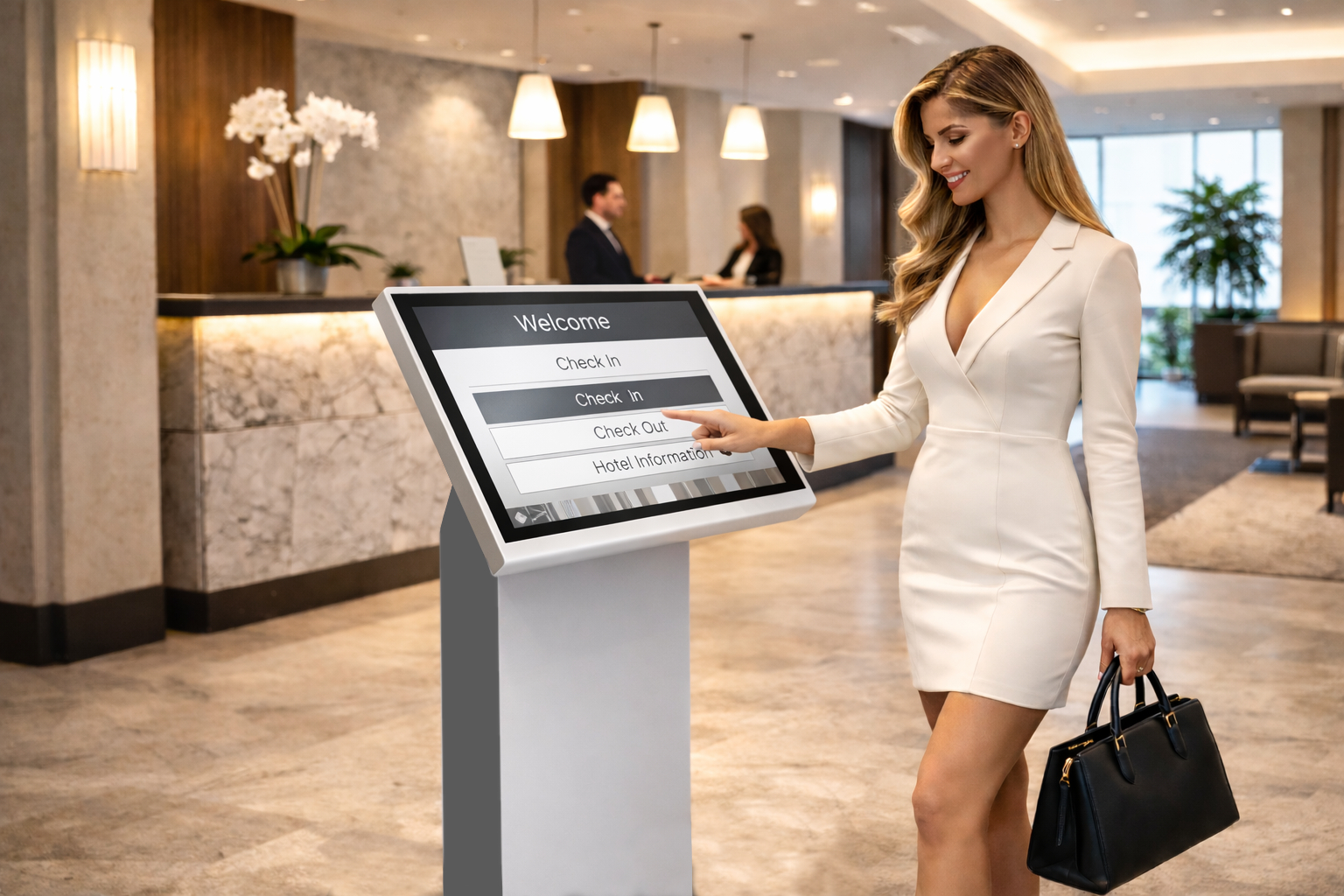
(Avoid These Costly Mistakes)
When businesses choose a kiosk, the decision often starts with hardware: screen size, price, specifications.
That approach is where most mistakes begin.
In reality, the success of a business kiosk has far less to do with the screen itself and far more to do with how well it fits into real operations: customer flow, staff workload, data handling, reliability, and long-term flexibility.
Many failed kiosk deployments don’t fail because the technology is bad – they fail because the wrong things were prioritised.
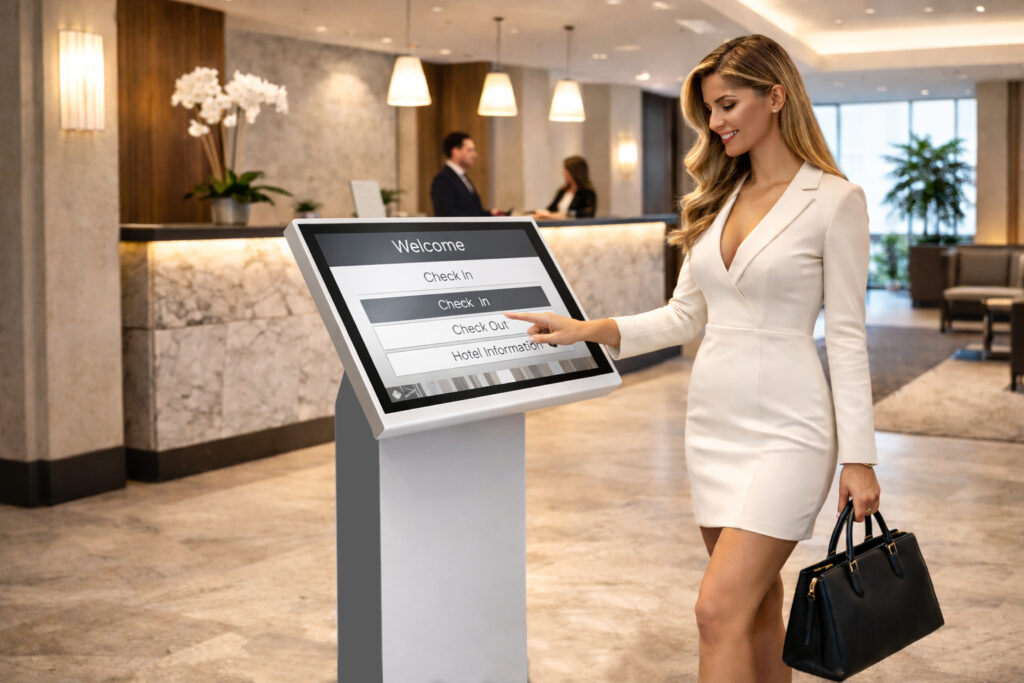
1. Buying a Device Instead of Solving a Problem
The most common mistake is starting with the kiosk, not the task.
A kiosk should exist to remove friction from a specific workflow, such as:
- Customer check-in
- Ordering and payments
- Queue management
- Information and wayfinding
- Data capture and consent
Without a clearly defined purpose, kiosks quickly become underused screens rather than operational tools.
2. Choosing Screen Size for Impact, Not Usability
Bigger screens look impressive – but usability is what matters.
Screen size should be driven by:
- Viewing distance
- Interaction time
- Environment and lighting
- User confidence and comfort
Oversized screens can intimidate users. Undersized screens slow interaction and increase errors. The right size supports fast, natural use without hesitation.
3. Underestimating Touch Performance
Resolution sells kiosks. Touch responsiveness determines whether people trust them.
Slow response, missed taps, or inaccurate input immediately frustrate users. In public environments, users don’t retry – they abandon.
Reliable, accurate, responsive touch is not a premium feature. It’s a baseline requirement.
4. Treating Placement as an Afterthought
Where a kiosk is placed often determines whether it succeeds or fails.
Poor placement causes:
- Bottlenecks and queues
- Blocked walkways
- Low visibility
- Awkward interaction angles
Good placement makes the kiosk feel like the natural next step in the customer journey – obvious, accessible, and unobtrusive.
5. Locking Yourself Into Rigid Software
Hardware lasts years. Business needs don’t.
One of the most expensive mistakes is choosing software that can’t evolve. Kiosk software should allow:
- Workflow changes
- Feature additions
- Integration with bookings, payments, or CRMs
- Remote updates and management
Flexibility protects your investment far more than hardware specifications.
6. Ignoring Failure Scenarios
Internet drops. Power fails. Systems update.
A kiosk must handle these moments gracefully. Blank screens, crashes, or frozen interfaces erode trust instantly. Clear messaging, automatic recovery, and offline handling are essential for public-facing systems.
Reliability is invisible – until it’s missing.
7. Overlooking Security and Privacy
Public kiosks handle personal data. Users notice when privacy is poorly designed.
Sessions must reset automatically. Personal data must never remain visible. Forms must be secure by default. Compliance isn’t just legal protection – it’s part of user confidence.
Trust is part of the user experience.
8. Forgetting About Maintenance Costs
Many kiosks look affordable on day one and expensive over time.
Manual updates, on-site fixes, and fragmented support create hidden costs that compound. Centralised management, remote monitoring, and predictable support models keep systems reliable without constant intervention.
Low-maintenance systems scale. High-maintenance ones quietly drain resources.
9. Designing for Features Instead of Simplicity
The most effective kiosks do fewer things – better.
Short flows, clear buttons, minimal text, and obvious actions outperform complex, feature-heavy interfaces. If instructions are required, the design has already failed.
A kiosk should feel intuitive within seconds.
10. Planning Only for Today
Kiosks rarely stay single-purpose.
What starts as check-in becomes payments. What starts as information becomes booking. What starts as one unit becomes many.
Systems designed to scale – in number, capability, and management – protect the original investment and reduce friction as the business grows.
The Real Test of a Good Kiosk
A successful kiosk doesn’t draw attention to itself.
It quietly:
- Reduces queues
- Improves data accuracy
- Relieves staff pressure
- Speeds up service
- Makes operations feel smoother
When chosen well, a kiosk becomes part of the infrastructure.
When chosen poorly, it becomes a visible reminder of a rushed decision.
K4B designs and delivers business kiosks built around real operational needs – combining hardware, software, installation, and long-term support for retail, hospitality, healthcare, transport, and public environments.
A kiosk shouldn’t just look modern.
It should make the entire operation work better.
Written by

Nick
You may also interested in:

How Clinics Can Reduce Patient Waiting Times Without Hiring More Staff
Walk into almost any busy GP surgery or clinic at peak time and you’ll see the same thing: a full waiting room, a queue forming at reception, phones ringing, and
How Much Does a Self-Service Kiosk Actually Save?
For many businesses considering automation, the first question is simple: does a self-service kiosk actually save money? The short answer is yes – often far more than expected. But the
Contactless Hospitality:
Why Modern Guests Prefer Self Check-In
The hospitality industry has changed dramatically in the last few years. Guest expectations have evolved. Technology has matured. Labour costs have risen. And the demand for speed, convenience and privacy
The Hidden ROI of Self-Service Kiosks
What Most Businesses Don’t Calculate When businesses assess self-service kiosks, the calculation is usually simple: hardware cost vs. staff savings. That view misses the bigger picture. In reality, most of
Enduring Customer satisfaction needs kiosk technology PLUS the human connection
Self-service kiosks for increasingly complex tasks need the human support to aid the customer where needed. Great customer satisfaction will only be achieved with the speed of the kiosk and
The Silent takeover of everyday spaces
An exposé of how, where and why touchscreen kiosks are and will increasingly be found in every part of life The Silent Takeover of Everyday Spaces In airports, restaurants, shopping
Getting value!
Maximise the Return on Your Self-Service Kiosks Most self-service kiosks are installed with a clear purpose—to deliver a specific service efficiently and with scale. To help users identify that purpose,
Customer Happiness is the New Currency of Business
Today, using self service kiosks to provide quality and reliable services is a key part of creating happy customers that keep returning. Happiness in today’s marketplaces is often measured by
Grumpy people with self service technology
How to ensure your self-service kiosk solution is favoured by all who use it… Self service technology has been around us for decades and has been accepted well in simple